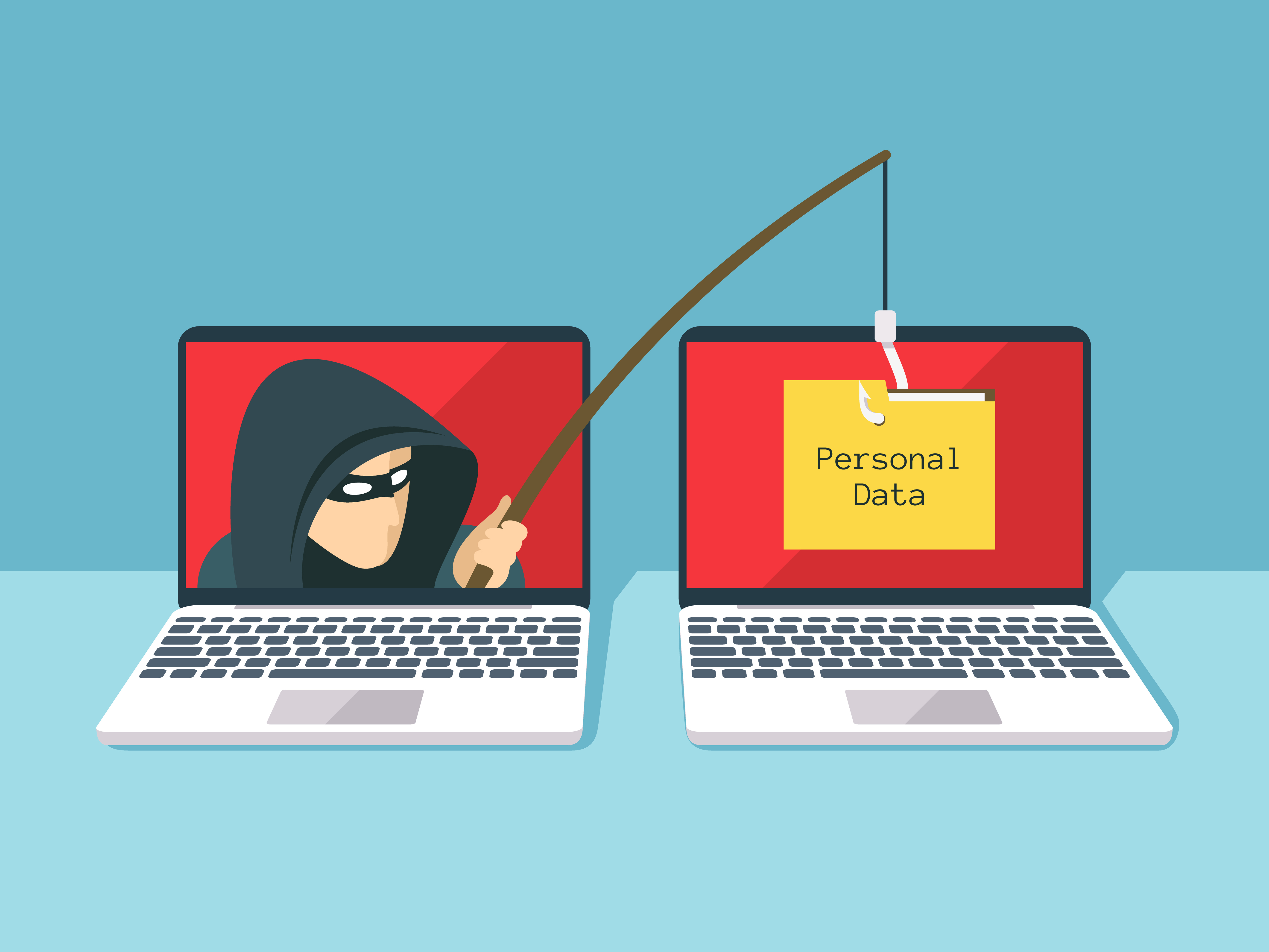
7 Real-World Phishing Scams You're Likely to Encounter (And How to Spot Them)
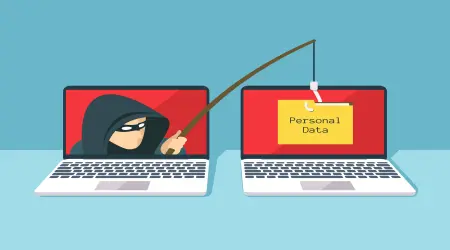
Phishing has evolved far beyond the poorly-written "Nigerian prince" emails of the early internet. Today's scams are polished, personalized, and often nearly indistinguishable from legitimate messages. Below are seven of the most common phishing patterns people run into today, broken down so you know exactly what to watch for.
1. The "Suspicious Login" Alert
What it looks like: An email claiming someone tried to log into your account from an unfamiliar location, with a button to "Secure Your Account" or "Verify It Was You."
Why it works: It triggers immediate fear about account security, pushing you to click before thinking.
Red flag to check: Hover over the button (without clicking) to see the actual destination URL. Legitimate alerts almost always link to the company's real domain — scam links often use lookalike domains like paypal-secure-alert.com instead of paypal.com.
2. The Fake Invoice or Payment Confirmation
What it looks like: An email with an attached "invoice" or "receipt" for a purchase you never made, often for a large amount, prompting panic and a click to "dispute" or "cancel" the charge.
Why it works: The unexpected charge creates urgency, and people click without verifying first.
Red flag to check: Never open unexpected invoice attachments. Instead, log into your account directly through the official app or website to check your actual order history.
3. The Delivery Failure Notice
What it looks like: A message claiming a package couldn't be delivered, asking you to "reschedule" or "pay a small customs fee" by clicking a link.
Why it works: With online shopping so common, almost everyone is expecting a package at any given time, making the message plausible.
Red flag to check: Legitimate shipping carriers rarely ask for payment via email links. Go directly to the carrier's tracking page using a tracking number from your original order confirmation.
4. The Urgent Boss or Colleague Request
What it looks like: An email that appears to come from your manager or a coworker, asking you to urgently purchase gift cards, transfer funds, or share sensitive information — often citing that they're "in a meeting and can't talk."
Why it works: It exploits workplace hierarchy and urgency, making people hesitant to question a request that seems to come from authority.
Red flag to check: Verify through a separate channel — a phone call or a message on a different platform — before acting on any unusual financial request, no matter how urgent it sounds.
5. The Fake Password Expiration Notice
What it looks like: A message stating your password is about to expire and you need to "reset it now" through a provided link.
Why it works: Many workplaces do have legitimate password expiration policies, so this feels routine rather than alarming.
Red flag to check: Type the service's URL directly into your browser instead of clicking the email link, and check if a password reset is actually pending through the official site.
6. The Too-Good-to-Be-True Prize or Refund
What it looks like: A message announcing you've won a prize, are owed a tax refund, or qualify for a "special reward," with a link to claim it.
Why it works: The promise of free money or prizes overrides normal caution for many people.
Red flag to check: Legitimate organizations — including tax authorities and major retailers — do not notify winners or issue refunds via unsolicited email links. If in doubt, contact the organization directly using contact information from their official website, not the email.
7. The Fake Subscription Renewal
What it looks like: An email claiming a subscription (streaming service, antivirus software, etc.) is about to auto-renew for a large amount, with a link to "cancel" if you didn't authorize it.
Why it works: It creates urgency around an unwanted charge, prompting quick action without verification.
Red flag to check: Log into the actual service directly to check your subscription status rather than clicking any link in the email.
The One Habit That Stops Most Phishing Attempts
Across nearly every example above, the same simple habit would have prevented the scam: never click a link in an unexpected email — go to the official website or app directly instead. This single rule neutralizes the vast majority of phishing attempts, regardless of how convincing the message looks.
If you're ever unsure whether an email is legitimate, it's also worth using a temporary or secondary email address when signing up for services you're still evaluating — it keeps your primary inbox, and the sensitive accounts tied to it, further removed from potential targeting.