Your Email Was Leaked in a Data Breach — Now What?
Your Email Was Leaked in a Data Breach — Now What?
You get an email, or maybe a notification from a password manager, telling you that your email address showed up in a data breach. Your stomach drops a little. What does that actually mean, and more importantly, what should you do in the next ten minutes, the next day, and the next month? This guide walks through exactly that, step by step.
First, Understand What a Data Breach Actually Means
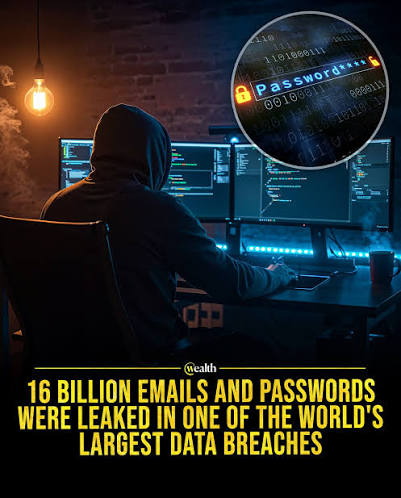
A data breach happens when a company's database — the one holding your account information — gets accessed by someone who shouldn't have access to it. Depending on the company, that database might contain your email address, your hashed (or, in worse cases, plain-text) password, your name, your physical address, or even payment details.
Not all breaches are equal. Some only expose email addresses, which is annoying but low-risk. Others expose passwords, security questions, or financial data, which is far more serious. The first thing to figure out is what was actually leaked, not just that something was leaked.
Step 1: Confirm the Breach Is Real
Before you panic, verify the breach actually happened and that the notification isn't itself a phishing attempt (ironically, fake "you've been breached" emails are a common scam). Use a reputable breach-checking service like Have I Been Pwned to search your email address and see which breaches it appears in, when they happened, and what data was exposed.
Never click links inside an unsolicited "your account was compromised" email. Instead, go directly to the checking service yourself by typing the URL into your browser.
Step 2: Change the Password — Everywhere You Reused It
If a password tied to your leaked email was exposed, change it immediately on that specific service. Then comes the harder part: think about every other account where you used the same or a similar password. Attackers run automated "credential stuffing" attacks, taking leaked email-and-password pairs and trying them across hundreds of other websites, banking, social media, shopping, email itself.
This is exactly why password reuse is the single biggest amplifier of breach damage. One leaked password can unlock a dozen unrelated accounts if you've been reusing it.
Step 3: Turn On Two-Factor Authentication
If you haven't already, enable two-factor authentication (2FA) on your important accounts, especially email, banking, and anything tied to payment information. Even if a password does leak in the future, 2FA means an attacker still needs a second code — usually sent to your phone or generated by an app — before they can log in.
Prioritize your email account first. Once someone controls your email inbox, they can use "forgot password" links to take over almost every other account tied to it.
Step 4: Watch for Phishing and Follow-Up Scams
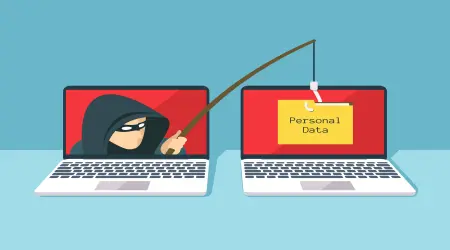
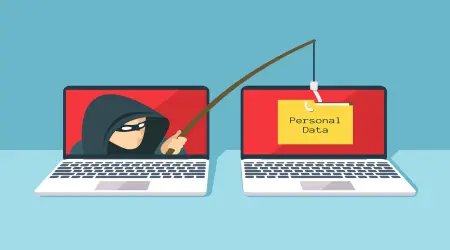
After a breach, expect an uptick in targeted phishing attempts. Attackers who have your email address (and sometimes your name or partial account details) can craft convincing messages that reference real information, making the scam feel legitimate. Be extra cautious of:
- Emails claiming "unusual activity" that ask you to click a link and log in
- Messages that create urgency ("your account will be suspended in 24 hours")
- Requests to confirm payment details or verify your identity via email
When in doubt, log into the account directly through your browser rather than clicking any link in the message.
Step 5: Consider Using a Temporary Email for Future Sign-Ups
One of the most effective ways to limit future breach exposure is simple: stop giving your real email address to every website, newsletter, or one-time download form you encounter. Every additional service that stores your email is another potential point of failure.
This is where a disposable email address becomes genuinely useful. Instead of handing your real inbox to a site you don't fully trust, you generate a temporary address, complete the sign-up, and receive the confirmation email without exposing your primary account at all. If that site is ever breached down the line, your real email — and everything tied to it — stays completely unaffected.
Step 6: Monitor, Don't Just React Once
A single breach check isn't a one-time task. New breaches are disclosed constantly, and email addresses that were safe last year can appear in a new leak tomorrow. Set a recurring reminder every few months to recheck your email against breach databases, and pay attention to any breach notification services you can subscribe to that alert you automatically.
The Bigger Picture
A data breach notification feels alarming, but it's rarely the end of the world if you act methodically: confirm it's real, change the affected password, stop reusing passwords, enable 2FA, watch for phishing, and reduce future exposure by keeping your real email address reserved for people and services you actually trust.
Going forward, the easiest habit to build is separating your "real" identity from your "throwaway" sign-ups. That's precisely the gap a temporary email address is designed to fill — keeping the next data breach as far away from your personal inbox as possible.